For streamers
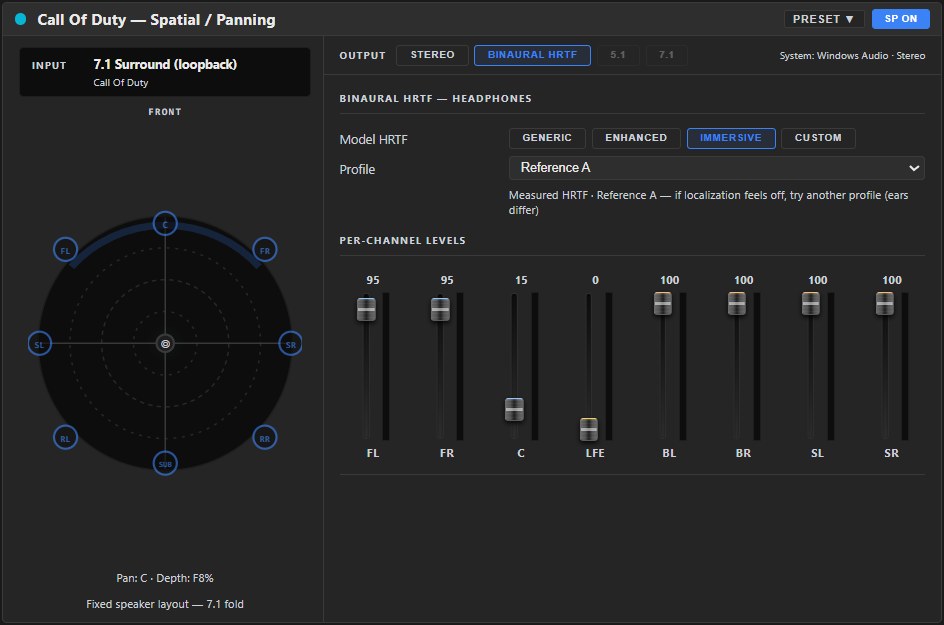
A streamer audio setup with OBS audio routing built in
The problem: Your viewers shouldn't hear your music or your private Discord call — but you need both in your headphones.
- A separate mix for OBS
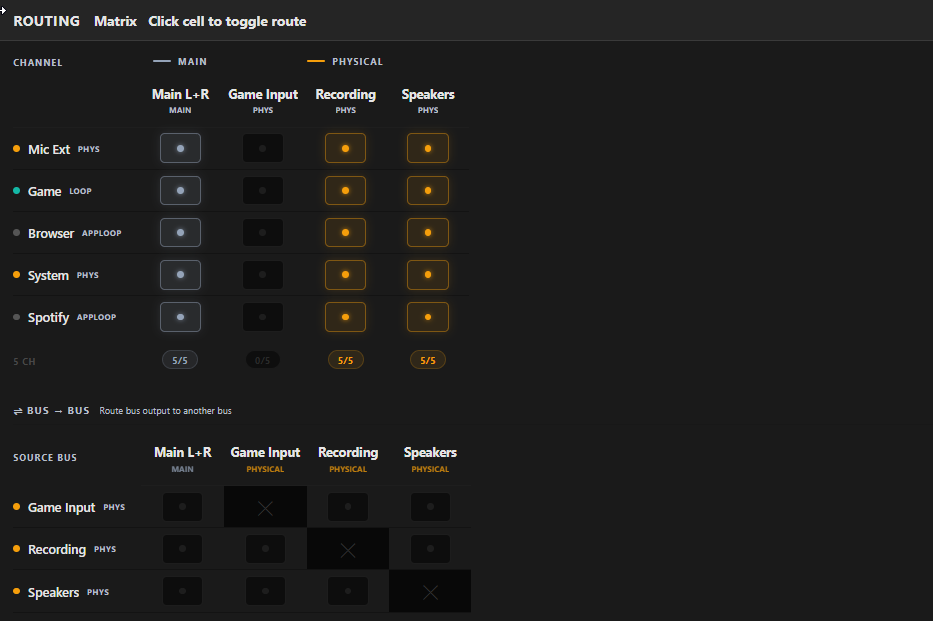
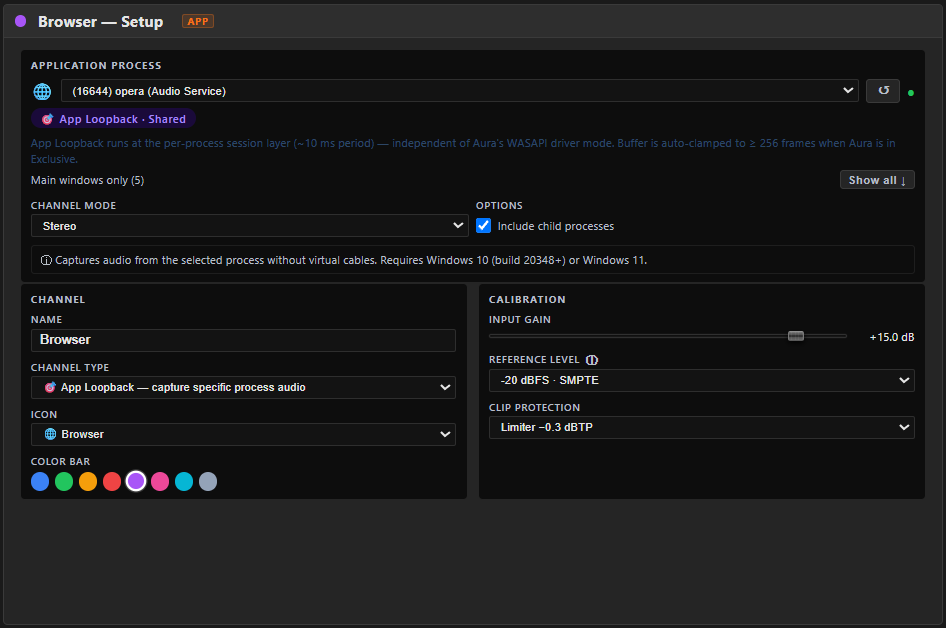
- OBS captures its own mix while your headphones get another — no virtual cable between Aura Mixer and OBS.
- Choose what viewers hear
- Keep Discord and music out of the stream, and sit the game under your voice for viewers only.
- Hear your stream before you go live
- One click switches your headphones to the stream mix, so you hear exactly what your viewers hear.
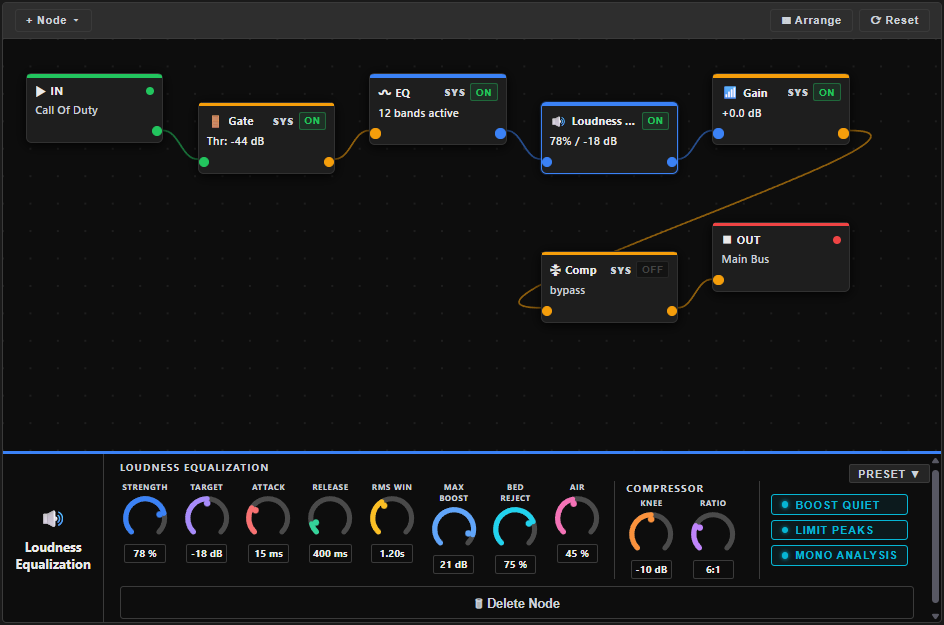
- A clean microphone
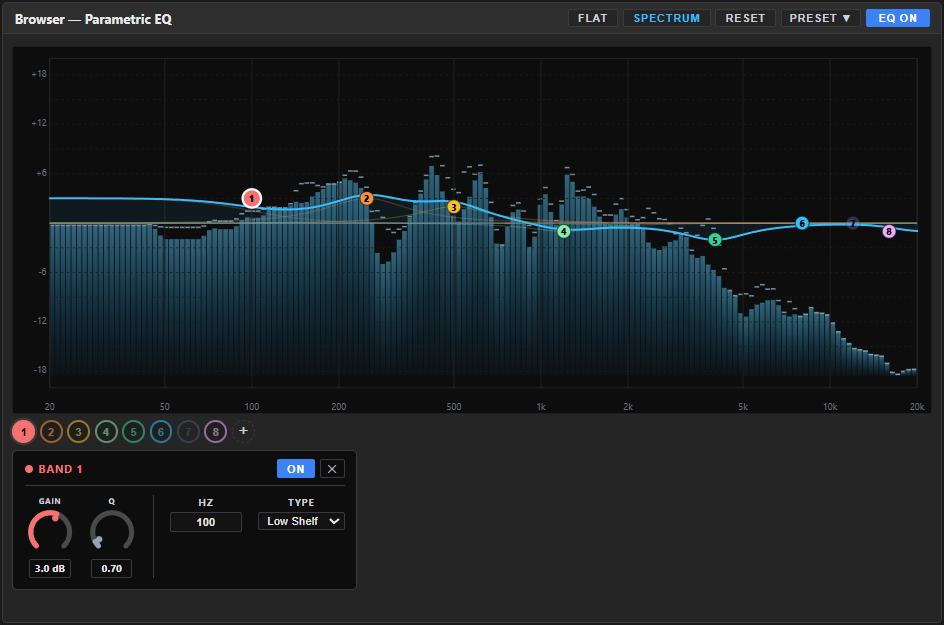
- A noise gate, EQ and compressor give you a clean, even voice — no keyboard clatter or fan hiss between sentences.
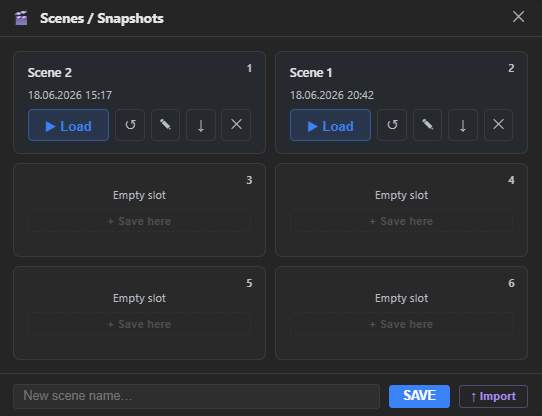
A second mix is included in Free; separate Stream, Recording and Discord mixes are Premium.